
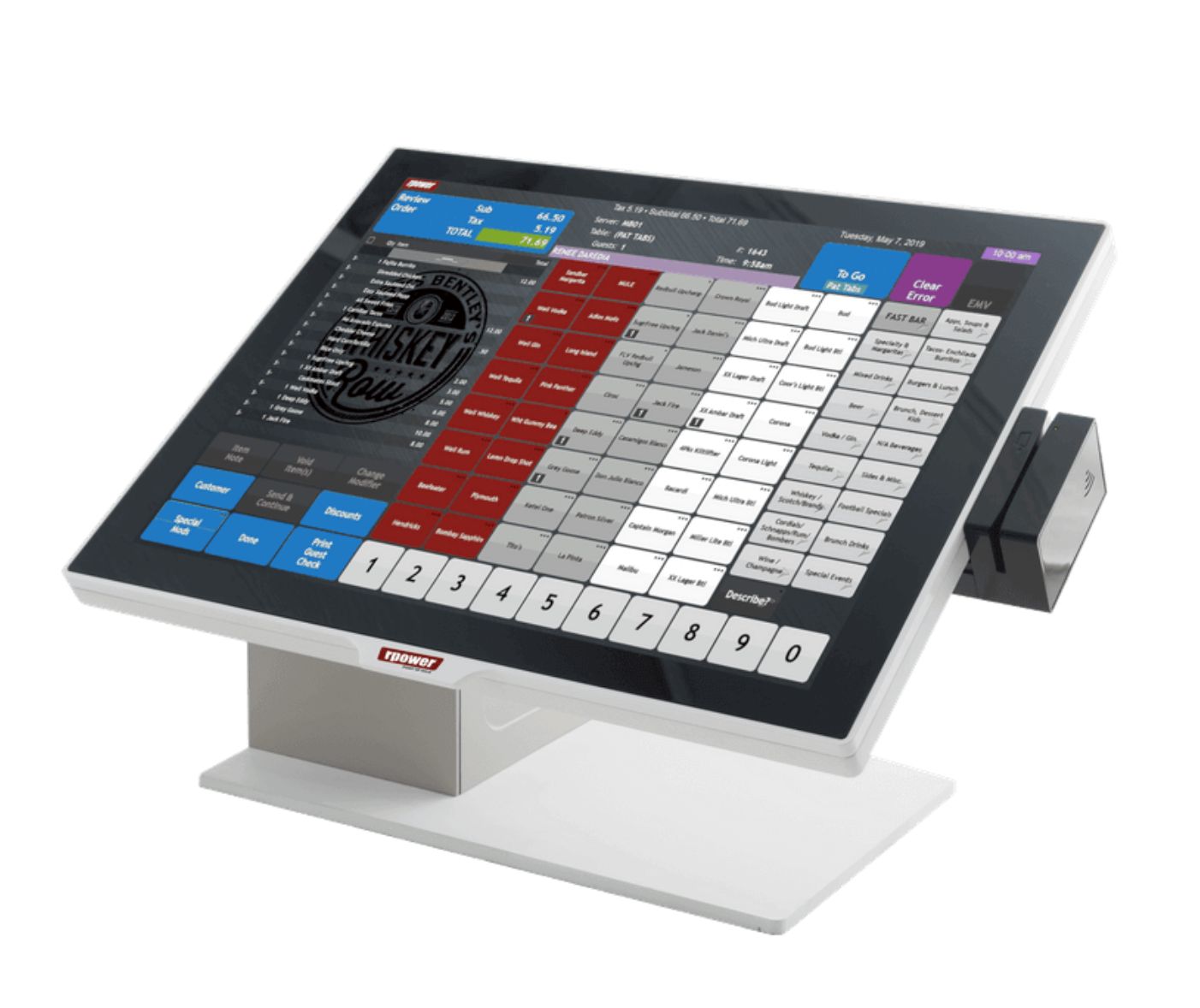
RPOWER POS Program Overview
This is a referral-based POS solution. All demonstrations, customer support, and equipment shipments are managed directly by RPOWER POS. If onsite installation is required, please note that additional fees will apply.
Demo Requirements
Agents must schedule a demo by emailing info@paybotx.com with the subject line: RPOWER-DEMO.Please ensure the merchant is available at the scheduled time.
- A demo is mandatory before submitting the merchant for onboarding.
PAYBOTX: RPOWER POS Agent Guide
- Notify info@paybotx.com of your interest in the RPOWER POS solution. Once notified, our team will coordinate a demo between RPOWER, the agent, and the merchant.
- Review and pay the equipment invoice. All equipment is purchased directly from RPOWER.
- Submit a standard Merchant Agreement.
- Our Technical Department will provide RPOWER with the VAR sheet required to configure the POS system.
- After the VAR sheet is delivered, the RPOWER team will manage the remainder of the setup process.
Disclaimer
A non-compete restriction applies. Only new merchant accounts may be onboarded. Existing RPOWER merchants cannot be boarded through this program.
Standard App Merchant Fees:
Breached Coverage (insurance up to 100K) - $6.95 – can be removed
TransLink (online portal access for merchants) - $7.50 – can be removed
Paper Statement - $9.95 – can be removed
FANF (Fixed Acquirer Network Fee) - $2.00 - $9.00/month, depending on business industry, and cannot be removed.

